
Summary of a section/topic
A summary of a section is a preliminary text, which describes the main topics studied in this unit. Adding the summary is optional.
To add or edit the abstract, do the following:
1. Go to the course website and activate edit mode.
2. In the title bar of the appropriate unit, on the right, click on the "Edit" link (three dots) and in the small menu that opens, choose "Edit settings".

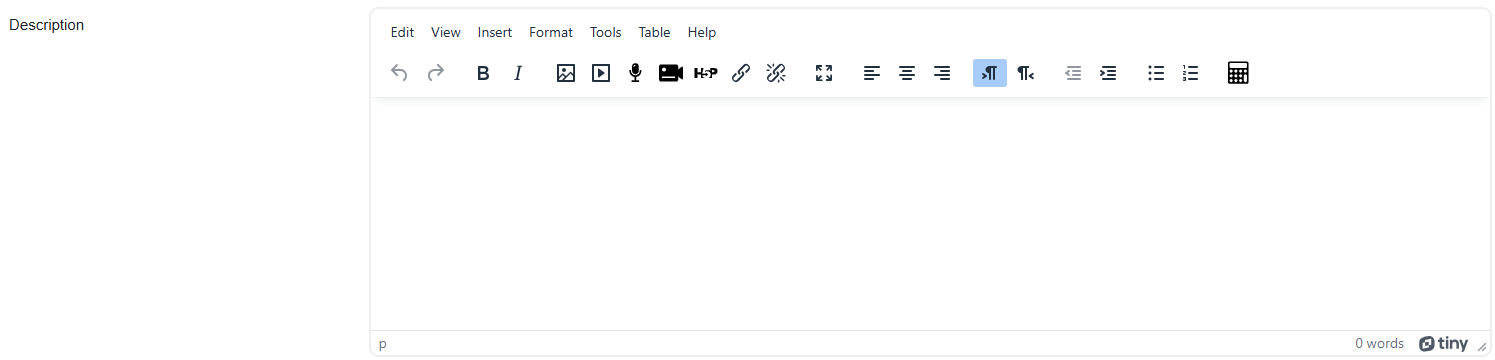
3. Write the content you want to add in the "Description" text box.
4. Click on "Save changes" and return to the course.
Background Colour
Font Face
Font Kerning
Font Size
Image Visibility
Letter Spacing
Line Height
Link Highlight
Text Alignment
Text Colour