
Wiki
4. Adding linked pages
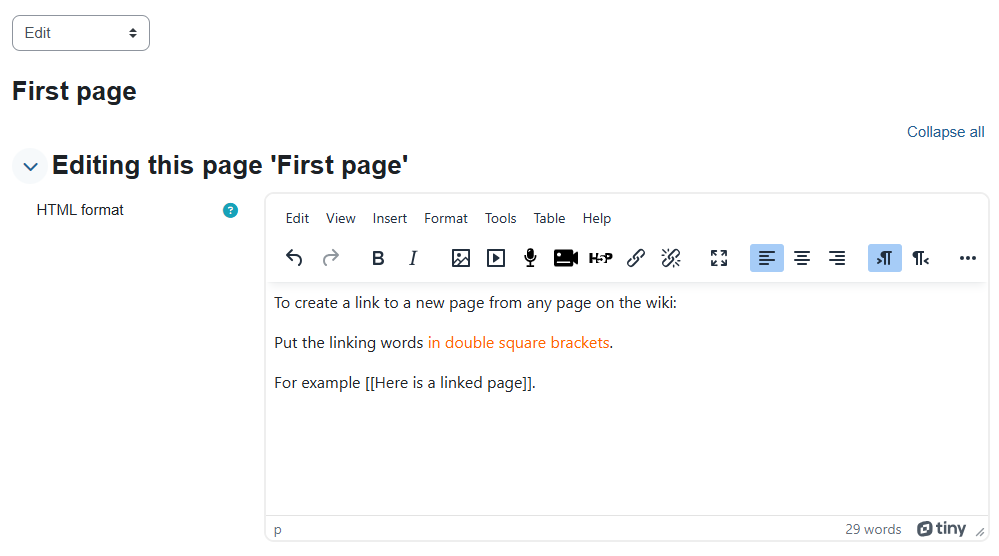
To create a link to a new page from any page on the wiki:
Put the linking words in double square brackets.
For example [[Here is a linked page]].
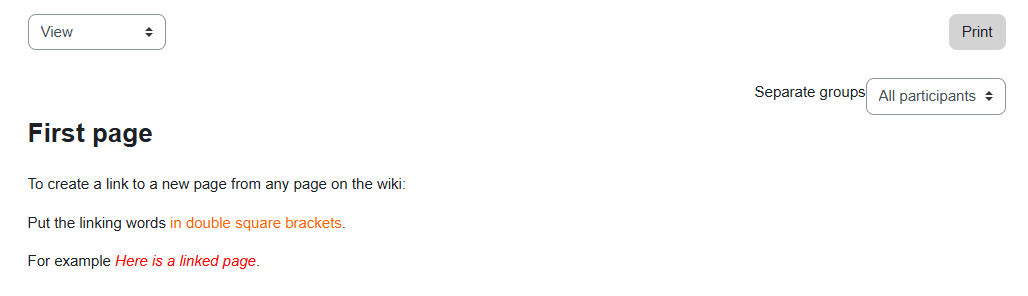
When you save a page and go to view it, you can see that these words have become a link.
Clicking this link will create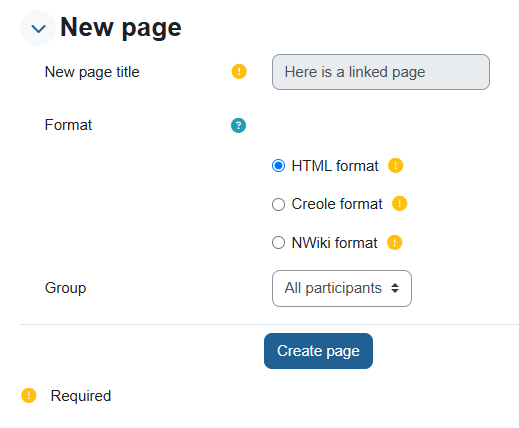
צבע רקע
גופן
צימוד אותיות
גודל גופן
תצוגת תמונות
ריווח אותיות
גובה קו
הדגשת קישורים
Text Alignment
צבע טקסט